Most advice about ADHD and productivity assumes you control your own day. At work, you usually don’t. Someone books a meeting over your one quiet hour, the open-plan office turns every conversation into background noise, and the deadline that mattered most lives in an email you read once and lost.
This guide is about that environment specifically: the office, the shared calendar, the manager who expects a reply. It covers ten practical ADHD office tools, the small daily habits that make them stick, and how to ask for support without turning it into a big conversation.
One thing first: you do not need all ten. Read the list, notice which problem made you wince, and start there.
Why the office is hard on an ADHD brain
Offices are built around a set of skills that ADHD makes expensive: holding a plan in your head while being interrupted, starting tasks nobody is watching, estimating how long things take, and switching back to deep work after every message. These are the executive function skills that run quietly in the background of a working day.
The good news is that most of them can be moved out of your head and into the environment. A timer can hold the sense of time. A calendar block can hold the decision about when to start. A single list can hold the memory. That is what the tools below are for: not to fix you, but to take load off the parts that get tired first.
10 ADHD office tools worth trying
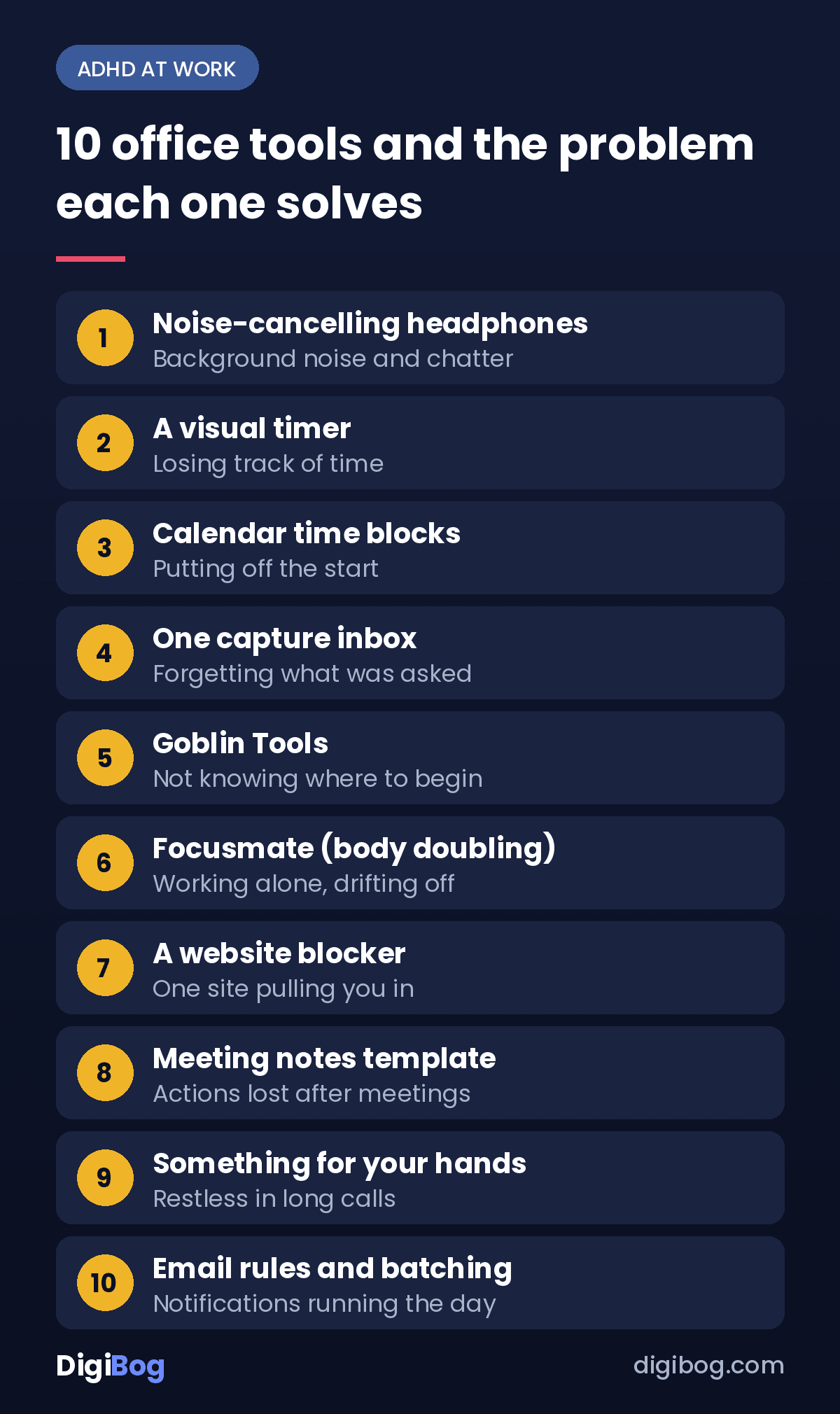
1. Noise-cancelling headphones
The simplest tool on this list, and for many people in open offices the one that changes the most. Headphones cut the background conversations that pull attention sideways, and they double as a visible “focusing now” signal to colleagues.
Good at: open-plan noise, shared desks, commuting into work already drained. Watch for: using them all day so you miss things people needed to tell you. Agree on a simple rule, such as “tap my shoulder if it’s urgent.”
2. A visual timer (Time Timer or similar)
A clock tells you what time it is. A visual timer shows you how much time is left, as a shrinking coloured disc. For anyone who experiences time blindness, that difference is the whole point: the hour stops being abstract.
Good at: focused work sprints, keeping meetings and breaks from swallowing the afternoon. Watch for: a ticking model in a shared space. Silent versions and phone apps exist.
3. Time blocking in your work calendar
Google Calendar and Outlook are already on your work computer, which is their biggest advantage. Instead of a to-do list that says “write report,” you put “write report, section one” in the calendar from 9:30 to 10:30. The decision about when to start is made once, in advance, instead of renegotiated every ten minutes.
Good at: protecting focus time from meetings, making invisible work visible to your team. Watch for: blocking the whole day solid. Leave gaps; the plan will slip, and gaps let it slip without collapsing.
4. One capture inbox (Todoist or a paper notepad)
At work, tasks arrive from everywhere: chat, email, hallway conversations, the last ten seconds of a meeting. The problem is rarely doing them; it is that they live in five places. Pick one place where every task lands first. Todoist works well because it is on your phone and your computer; a single paper notepad on the desk works just as well.
Good at: stopping the “I know someone asked me something” feeling. Watch for: turning the inbox into a list you never review. If your list keeps failing you, this is usually why.
5. Goblin Tools (Magic ToDo)
Goblin Tools is a free set of small AI helpers built with neurodivergent users in mind. Its Magic ToDo feature takes a vague task like “prepare the quarterly presentation” and breaks it into concrete steps, with a setting for how finely to break it down.
Good at: the tasks you keep avoiding because you don’t know where they start. Watch for: pasting confidential work details into any online tool. Describe the task in general terms instead.
6. Body doubling (Focusmate)
Body doubling means working alongside someone else, even silently, so that their presence keeps you on task. Focusmate offers short, scheduled video sessions with another person who is also working. You say what you will do, you work, you report back.
Good at: remote and hybrid workers, admin you have postponed for weeks. Watch for: company rules about video calls on work devices. In the office, a colleague at the next desk doing their own admin works the same way.
7. A website blocker (Freedom or Cold Turkey)
Blockers like Freedom and Cold Turkey shut off chosen websites and apps for a set period. The value is not willpower; it is removing the decision. You choose once, at the start of a block, and the tool holds the line for you.
Good at: deep-work sessions, the news or social site that eats half an hour at a time. Watch for: IT policies on work laptops. If you can’t install software, a browser extension or your phone’s own focus mode may be allowed.
8. A meeting notes template
Meetings are where tasks are born and then forgotten. A simple template with three fixed headings, “Decisions,” “My actions,” “Waiting on,” means you leave every meeting with the actions already written down instead of trying to remember them at 4 p.m.
Good at: recurring meetings, follow-ups that keep slipping. Watch for: making the template so long you stop using it. Three headings is enough.
9. Something for your hands
Many people with ADHD focus better when part of them is moving. A fidget object, a stress ball, a standing desk, or simply taking calls while walking can make long meetings and reading easier to sit through.
Good at: long calls, reading-heavy tasks. Watch for: anything noisy in a shared room. Quiet options exist for almost everything.
10. Email rules and batching
Every new-message notification is an invitation to switch tasks. Most email apps let you create rules that sort newsletters and automatic notifications out of your main inbox, and let you turn off alerts. Then you check email at set times, for example three or four times a day, instead of whenever it pings.
Good at: roles with a high volume of email. Watch for: missing something urgent. Tell your team how to reach you quickly when it really matters.
The 10 tools at a glance
| Tool | Problem it solves | Pick it when |
|---|---|---|
| Noise-cancelling headphones | Distraction | Your office is loud or open-plan |
| Visual timer | Losing track of time | Hours vanish without warning |
| Calendar time blocking | Starting tasks | Meetings eat your focus time |
| One capture inbox | Forgetting requests | Tasks live in five different places |
| Goblin Tools | Overwhelm | You don’t know where a task starts |
| Focusmate | Motivation | You work better when someone is there |
| Website blocker | Distraction | One site keeps pulling you in |
| Meeting template | Forgetting actions | Follow-ups keep slipping |
| Something for your hands | Restlessness | Long calls are hard to sit through |
| Email rules | Constant switching | Notifications run your day |
The habits that matter more than the tools
Tools only work if they are part of a routine short enough to survive a bad week. Three small habits do most of the work, and none of them takes more than ten minutes. If streaks and big routines have failed you before, this is why they usually do; the habits below are built to be missed and restarted without guilt.
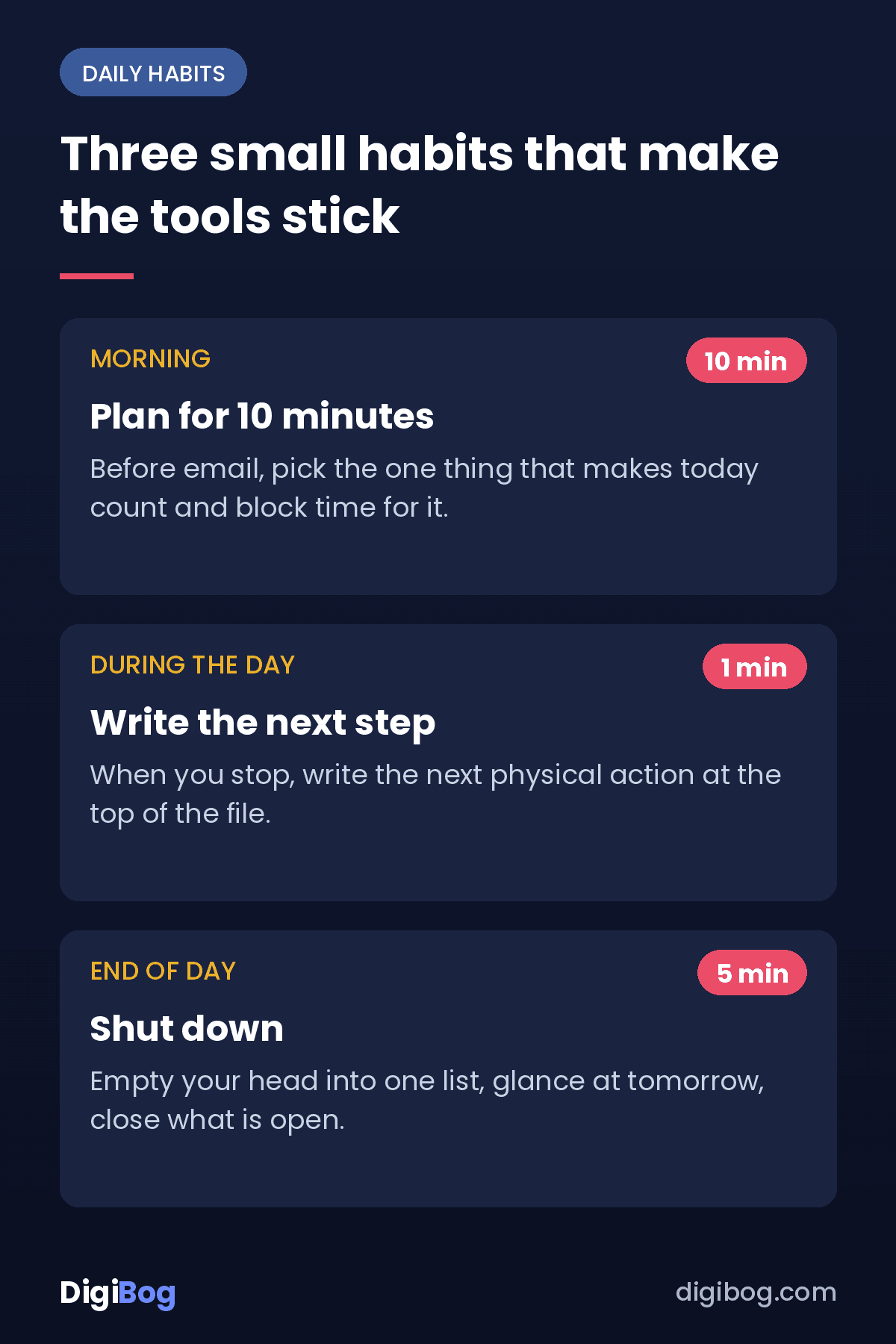
Start the day with a ten-minute plan
Before opening email, look at your calendar and your capture inbox and choose the one thing that would make today count. Block time for it. Everything else is a bonus.
Write the next step, not the task
“Budget report” is a task. “Open last month’s file and copy the template” is a next step. When you stop working on something, write the next physical action at the top of the file. Starting again tomorrow becomes much easier.
End the day with a shutdown
Spend five minutes emptying your head into the capture inbox, glancing at tomorrow’s calendar, and closing what is open. It protects your evening from the half-remembered task that keeps you awake.
Asking for support at work
You do not have to tell anyone about ADHD to use any of the tools above. Headphones, calendar blocks and checklists are normal office habits. Many people simply ask for practical things in practical terms: “Could we put deadlines in writing?” or “I do my best work in the morning, can we keep that time free of meetings?”
If you want formal support, the rules depend on your country. In the United States, the Americans with Disabilities Act can require employers to provide reasonable accommodations, and the free Job Accommodation Network publishes practical accommodation ideas and guidance on how to ask. This is general information, not legal advice; your HR team or a local adviser can tell you what applies to you.
Where to start this week
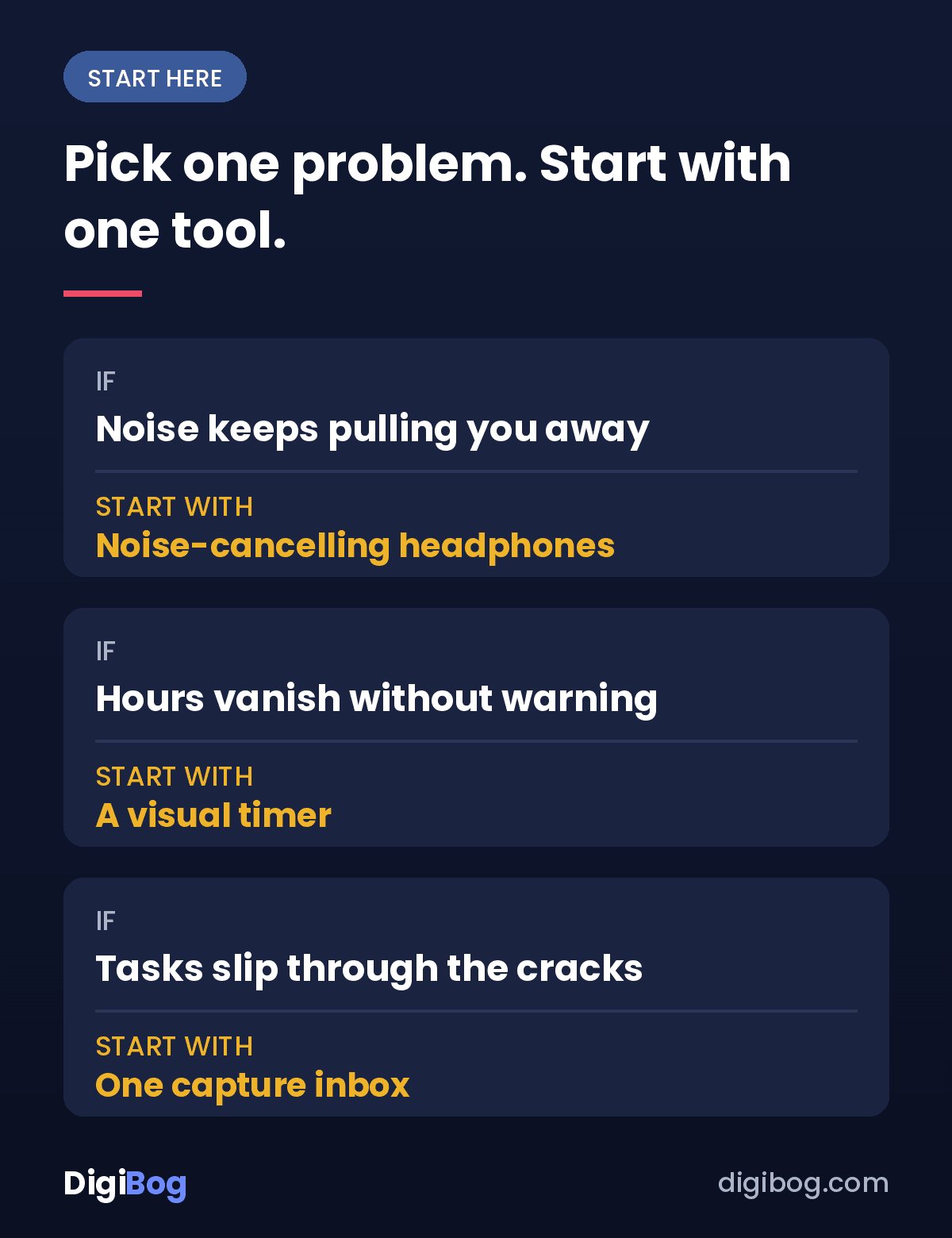
Pick one problem, not ten. If the noise is the issue, start with headphones. If time disappears, start with a visual timer. If tasks fall through the cracks, start with one capture inbox. Use that one thing every working day for a week before adding anything else.
If you want a wider view of tools beyond the office, our guide to the best ADHD productivity tools walks through fourteen of them and how to choose just one.
And if you would rather have the system ready-made, the Productivity with ADHD collection includes a fillable workbook, a practical checklist and a toolstack of tools grouped by job, or all six pieces together in the Complete Bundle.
Frequently asked questions
What are the best ADHD tools for the office?
The most useful are usually the simplest: noise-cancelling headphones, a visual timer, time blocks in your work calendar, and one place where every task lands. Start with the one that matches your biggest problem rather than trying them all at once.
Do I have to tell my employer I have ADHD?
No. You can use most tools and habits without telling anyone, and you can ask for practical changes in practical terms. Formal accommodations usually require some disclosure, and the rules depend on where you live.
How can I stay focused in an open-plan office?
Reduce what reaches you: headphones for sound, a website blocker for the screen, and blocked focus time in your calendar so meetings do not land on it. Book a quiet room for the work that needs it most, if your office has one.
Can I use these tools if I work from home?
Yes. Body doubling with Focusmate, time blocking, website blockers and a shutdown routine are, if anything, more useful at home, where nobody else sets the shape of your day.
This is an educational and organizational resource, not medical advice. If attention or focus difficulties are significantly affecting your work or wellbeing, a qualified healthcare professional can help you explore what is going on.
Tool names are given for reference only; DigiBog has no affiliate arrangement with any of them.
About the author. Written by Said Sihame, founder of DigiBog. I make the planners, workbooks and checklists sold on this site, and these articles come out of the same work. I am not a clinician and nothing here is medical advice — this is an educational and organizational resource.